BIOS Personal

Live fully.
For longer.

With the health to do everything you have in mind.

BIOS helps you see your health history over time and prepare for a conversation with your doctor.

Trial access 7 days freeTry BIOS Personal and explore its features at no charge. Try it free

What is BIOS?

A personal health system
that grows with you.

BIOS brings your lab results, medical reports, symptoms and device data together. It helps you see how your body changes over time, highlights important changes and suggests when to consult a doctor.

Your health history in one system.

Health Memory

0%

complete

Your health memory grows as new data becomes available.

Data sourcesConnected: 0 of 8
Blood tests
Symptom history
Sleep
Activity
Genetics
Microbiome
DEXA
Glucose monitoring

Each new source makes your history more complete.

The foundation of quality of life

What shapes your quality of life?

Not just your circumstances. But how you feel as you begin each day.
01

Energy

The foundation of productivity, recovery and everyday wellbeing.

02

Decisions

Focus and clear thinking matter in your career, business and personal life.

03

Time

The sooner changes become visible, the greater the opportunity to protect your health.

04

Results

Your biggest ambitions need a body that can support them.

It all starts
with your health.

Hundreds of people have created their BIOS

They bring their health history together, notice changes and share a prepared summary with their doctor.

How BIOS works
A BIOS user at home My health history is always at hand
A BIOS user at home No more lost lab results
A BIOS user in a home office I can see how my measurements change
A BIOS user out for a walk I prepare for appointments in advance
A BIOS user by a window I keep my results in one place
A BIOS user in a city apartment I control access to my data
A BIOS user at home I do not have to retell my history
A BIOS user on a balcony I share a summary with my doctor
A BIOS user at home I track changes over time

Images are illustrative.

01

When your plans outgrow your energy

Big goals require sustained energy.

Work, projects, decisions — it helps to understand what sustains your energy and what drains it.

How BIOS helps
A man looking out over the city before his working day
02

When you want to wake up feeling energised

Energy is a part of health too.

Sleep, exercise and recovery are connected. BIOS helps you see those relationships over time.

How BIOS helps
A woman by the water after a morning workout
03

When you want to understand what is happening

Sometimes one test cannot tell the whole story.

BIOS brings results, symptoms and appointment history together in one picture to share with your doctor.

How BIOS helps
A man reviewing test results at his desk
04

When you want greater peace of mind about loved ones

Care becomes a shared effort.

It is important to keep track of changes in a health history and discuss them with a professional in time.

How BIOS helps
Three generations of a family spending time together at home

From data to understanding

How does it work?

BIOS gathers context, builds a history and helps you prepare for your next informed step.

01

You share your data with BIOS

Add the information you already have or collect in everyday life. Each source becomes part of the same history.

  • Lab tests and examination results
  • Medical reports
  • Protocols and prescriptions
  • Nutrition, exercise and device data

The BIOS algorithm develops verifiable hypotheses, while AI helps you explore them in chat.

Important

BIOS does not replace a doctor. The service is not intended to diagnose conditions, prescribe treatment or change it. AI hypotheses and answers are informational and require assessment by a qualified medical professional. If your condition worsens, seek medical attention; in an emergency, contact emergency services.

BIOS, every day

Living fully is easier with a reliable system behind you.

See how BIOS becomes part of your everyday health care.

Watch the video

Secure integrations

Connect the data you already use. Stay in control.

An Apple Watch and smart ring with the BIOS interface
Apple HealthHealth and activity
Apple WatchDaily measurements
Google FitMovement and workouts
OuraSleep and recovery
WHOOPTraining load and recovery
FatSecretNutrition and calorie diary

Data that leads to understanding

Understand your lab results with LabSkan in 1 minute

Upload your lab report. BIOS recognises measurements, compares them with previous results and highlights changes to discuss with your doctor.

  • Changes
  • Relationships
  • Trends
  • Questions for your doctor
View plans
BIOS PersonalHealth recordLab results
PDF Blood chemistry.pdf1 page · 284 KB
A de-identified sample blood chemistry report

BIOS explanation

Ferritin

Blood chemistry.pdf28.07.2026

ResultWithin the reference range
68 µg/L
15Laboratory reference range150
What the result shows

The measurement is within the range stated by the laboratory. BIOS saves the value, units, date and source for comparison over time.

An informational explanation does not replace a doctor's assessment.

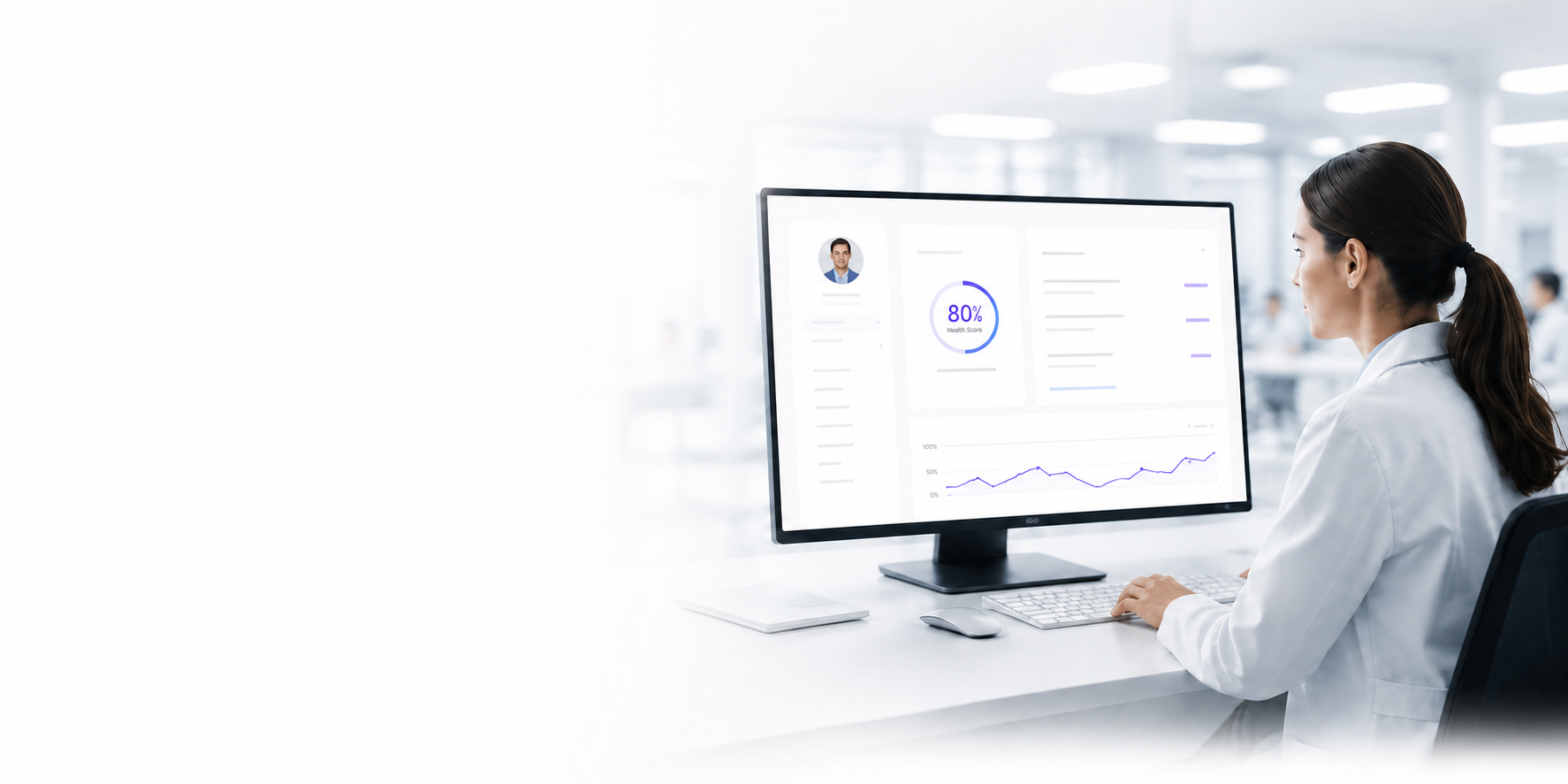
A doctor reviewing patient measurement trends in BIOS
The summary is ready to share with your doctor.

What your doctor needs to know

Share the full picture with your doctor in a minute

You choose the professional and grant access to the relevant part of your health history.

  • A concise medical summary
  • Measurement trends over time
  • Prescriptions and test results
  • Only the period you select
View plans
01

Your data remains yours

You decide who sees which part of your history.

02

Access in one click

Your doctor receives an organised summary without unnecessary files.

03

Control your consent

Access can be time-limited or withdrawn.

04

Context for your doctor

Trends help bring the important questions into focus sooner.

BIOS plans

Start for free. Add more when you need it.

Explore BIOS with your first lab report or build a continuous health history in Personal.

BIOS Start

First steps

Your first lab report and an introduction to BIOS.

0 ₽to get started

Your first use case is free

  • First blood test upload
  • Initial AI insights into measurements
  • Explore BIOS features
  • Start without registration
BIOS CareWith a clinic

With a doctor alongside you

Continuous support involving your chosen clinic.

Custom pricing

Based on your needs and the type of support

  • All BIOS Personal features
  • Communication with your doctor in a shared context
  • Coordination between specialists
  • Monitoring programmes
  • Extended reports

What you get

More than a place to store lab results

BIOS turns fragmented data into a personal health picture, helping you see what matters.

  • Earlier action

    Important changes become visible sooner.

  • Your personal trends

    Measurements are compared with your history, not just a general reference range.

  • A meaningful conversation with your doctor

    The important information is collected and organised over time.

  • Continuity

    Your history stays with you when you change doctors or clinics.

Create your BIOS
Your full health history, on any device. Interface shown in Russian.

Frequently asked questions

Common questions about BIOS

Short answers before you get started.

What does BIOS do for me?

BIOS brings lab results, medical reports, symptoms and device data into one health history. Instead of separate files, you can see what changed and when, prepare questions and share a clear summary with your doctor.

Where should I start if I have many lab reports?

You do not need to upload everything at once. Start with one recent test or a document that matters to you now. BIOS recognises the data, asks you to check it and starts building your Health Memory. You can add the rest gradually.

Can I upload a photo of a lab report, or do I need a PDF?

Use a format supported by the product, including an original PDF or a document photo. Clear files without glare, shadows, cropped edges or handwritten annotations work best. After recognition, always compare the values, units and date with the original.

What will I see after uploading a document?

BIOS extracts measurements, units, dates and reference ranges, retains a link to the original document and adds the data to your history. With results from different dates, the system can show trends and help you prepare questions for your doctor.

How is BIOS different from an ordinary electronic health record?

A health record usually stores documents and notes. BIOS connects them over time: it compares new results with previous ones, adds symptom and device context, shows changes and prepares a concise summary. Original documents remain linked to the extracted facts.

Will BIOS tell me what is wrong and diagnose me?

No. BIOS does not diagnose conditions, prescribe medication or replace a doctor. It can show a possible relationship or AI hypothesis and explain which data supports it. This is a direction for investigation, not a medical conclusion.

Can I share my history with a doctor?

Yes. You choose the professional, the relevant part of your history and the access period. The doctor receives a summary with trends, sources and your questions, rather than just an archive of files. Permission can be time-limited or withdrawn.

Can I connect Apple Health, a watch or other devices?

BIOS is designed to work with sleep, activity and other compatible data sources. Integrations are introduced in stages, so availability depends on the device, region and current product version. If an integration is not yet available, you can add core data using other supported methods.

Who can see my medical data?

Submitting an enquiry does not give anyone access to medical information. Medical features require separate consent, and a doctor or clinic receives only the part of your history you authorise. See Data Security and Consent in BIOS.

How much does BIOS cost, and can I try it for free?

The first BIOS Start use case is free. BIOS Personal is listed at RUB 500 per month or RUB 6,000 billed annually, with a 7-day trial offer. Before a paid subscription begins, BIOS will show the total amount, billing period and payment terms.

How do I cancel my subscription?

The cancellation procedure and next payment date are shown in the subscription terms. If self-service cancellation is not yet available in your account, send a request to info@bioshealth.su before the next payment. Cancelling stops future renewal but does not automatically delete your account or history.

BIOS Personal help

Short, step-by-step guides to your account, BIOS AI, Health Memory, family profiles and doctor access.

Open guides

BIOS Media

The science, technology and practice of personalised medicine. Articles by the BIOS editorial team, platform doctors and invited experts.